

Where can I get my City of Cape Town municipal bills from
You can download your municipal bills in PDF format by registering for e-services here.
Once you have signed up, you can download your bills by going to this page and sign in.

After signing in click on the Municipal accounts option.

This displays the Municipal accounts menu options on the left side of the screen. Select the Municipal account option at the bottom.
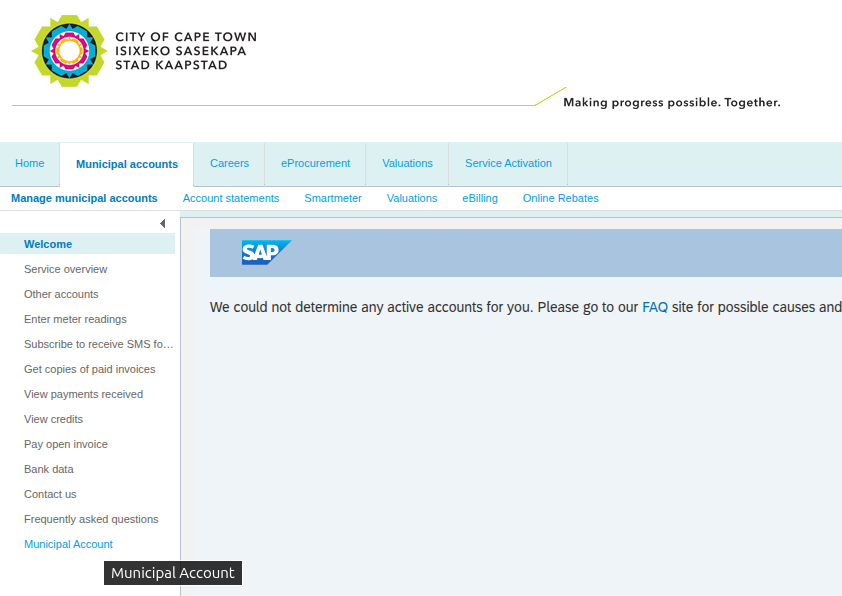
This displays the Municipal Accounts and Services screen. Click the option for Account Information on the left.

This displays the Account Information screen. From here, you can download any past invoices/bills. To select from more / older bills, select the Select period drop down and then select how far back you want to search.

